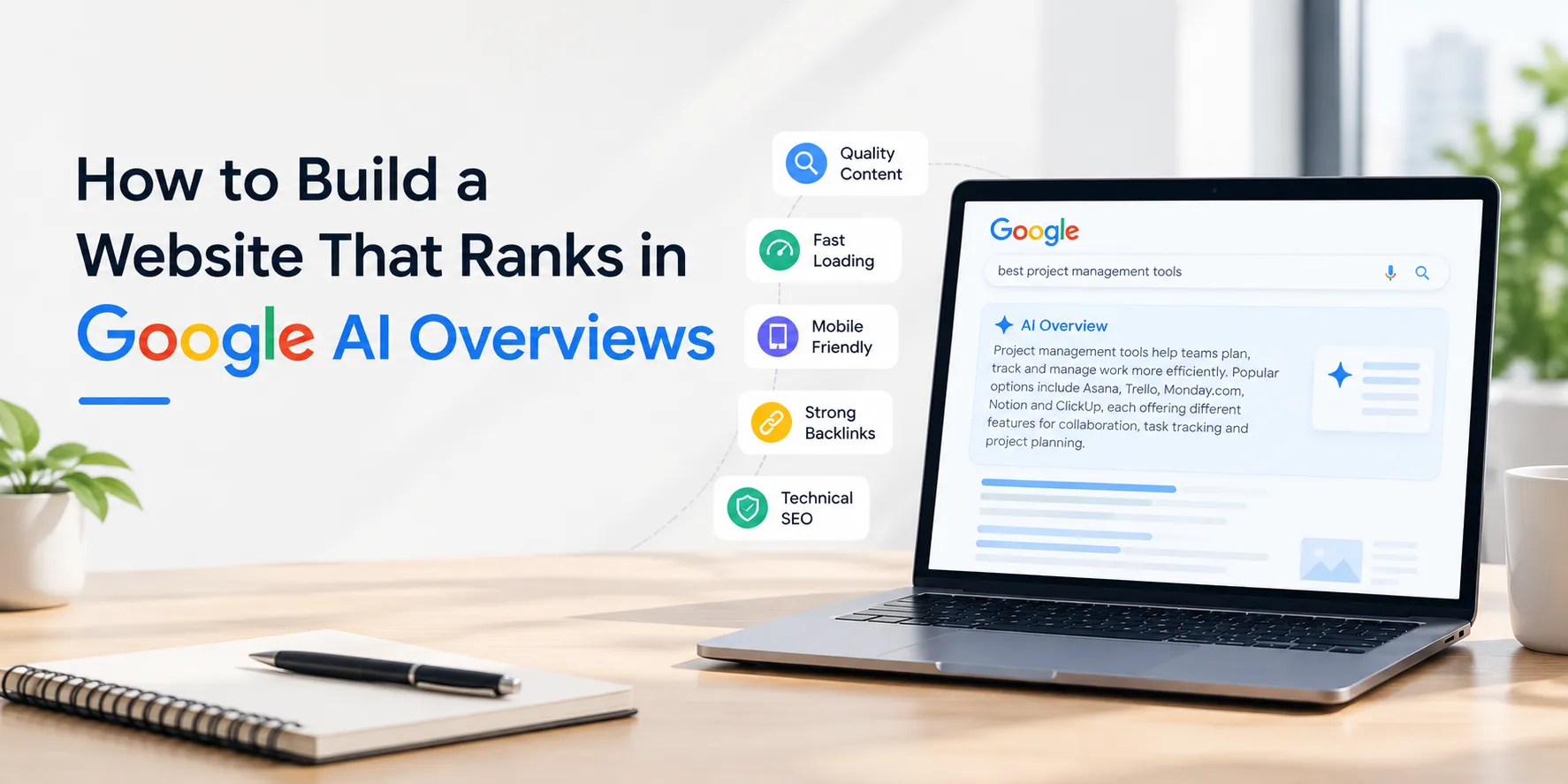

Two years ago, nobody was asking us how to rank in AI Overviews. Now it's one of the first things clients bring up, usually after noticing their traffic dropped even though their rankings technically didn't move. That's the strange part about this shift. You can hold position three or four on a search page and still lose the click, because Google already answered the question at the top before anyone scrolled down to you.
So the question businesses actually care about isn't "How do we rank higher?" It's "How do we get pulled into that summary box at all?" And the honest answer starts further back than most people expect, with how the site was built in the first place. Good website development services aren't something you bolt on after the fact to chase this. They're the reason a site qualifies for that summary box to begin with.
Let's get into what actually moves the needle here and where a lot of businesses waste time chasing the wrong fixes.
What's Actually Happening With AI Overviews
Google's AI Overviews work by scanning several pages on a topic, deciding which ones it trusts, and stitching together a short answer using bits of the clearest ones. It's not picking randomly. It's leaning toward pages that are easy to parse and confident about what they're saying.
Which means a page can have great information and still get skipped, simply because it takes four paragraphs to say what could've been said in two sentences. I've seen plenty of well-researched blog posts lose out to thinner competitors purely because the thinner one answered the question up front instead of building up to it.
This is less about keywords than it used to be and a lot more about clarity. A site can be stuffed with the right search terms and still miss the summary box entirely if the writing doesn't get to the point.
The Boring Technical Stuff Matters More Than You'd Think
Before any of the content work matters, the site is website development services.
Self has to be built in a way that doesn't get in its own way. Slow load times, messy code, pages that take forever to render properly—all of it makes it harder for Google to even read your content clearly, let alone trust it enough to quote.
I've watched businesses spend months rewriting content to chase better rankings when the actual problem was a bloated homepage taking six seconds to load. If that sounds like your situation, it's worth working through these website optimization strategies before touching a single word of copy, because most of what's holding a site back lives in the code, not the writing.
Security plays into this too, more than people assume. An unsecured site sends a quiet signal that something's off, and Google's systems pick up on that. If it's been a while since anyone audited yours, this piece on building a secure website is worth a read.
Answer the Question. Then Explain Yourself.
Here's a pattern I keep noticing. Pages that make it into AI Overviews tend to answer the actual question in the first sentence or two of a section, then spend the rest of the paragraph backing it up. Pages that don't get pulled in usually spend that same space on throat-clearing, setting context, building anticipation, or whatever you want to call it.
You don't need to strip out personality or nuance to fix this. You just need to front-load the answer instead of saving it for the end. Clear headings help. Short paragraphs help. Writing like you're explaining something to a colleague instead of padding out a word count helps more than almost anything else.
This is also where SEO-friendly website development earns its keep, not as a buzzword but as a real technical layer. Clean HTML, a sensible heading structure, and proper schema markup—these are what let Google's systems actually identify what a page is about instead of guessing.
Why Custom Builds Keep Winning Out Over Templates
Templates look fine on the surface. Underneath, a lot of them are dragging around bloated code and rigid structures that don't leave much room for the kind of tweaks AI Overviews respond well to. Custom website development gives you actual control over how a page gets built, and if you want to build a custom website, that control matters a lot more now than it did five years ago when rankings cared mostly about keyword density.
We got into the practical differences between custom web development and template builds a while back, and honestly, the gap has only widened since AI-driven search became the norm. A custom build lets you shape pages around how these systems actually read content, which a rigid template usually just won't allow.
If you're working with a web development company, ask them directly how they think about structured data and page architecture, not just how the site looks. Their answer tells you fast whether they're building for how search works now or still optimizing for 2019.
AI Isn't Just Changing Search. It's Changing How Sites Get Built.
Worth pointing out that this cuts both ways. AI isn't only reshaping what shows up in search results; it's also changing how the sites themselves get built, from automated code generation to content structuring tools that didn't exist a few years ago.
We covered that shift in more detail in AI in web development, and it's a decent read if you want to understand how the tools building your site are evolving right alongside the tools deciding whether that site gets found.
Accessibility and Mobile Design Aren't the Afterthought They Used to Be
Two things people still treat as optional that really shouldn't be: accessibility and mobile experience. Google's systems are paying closer attention to how usable a page actually is, not just what it says on paper.
Accessible sites tend to come with cleaner markup and better alt text almost by default, which happens to be exactly what helps AI systems read your content correctly. If accessibility hasn't been part of your build process so far, why web accessibility matters covers both the ethical case and the very practical ranking case for fixing that now rather than later.
Mobile matters just as much, arguably more, given how much search happens on a phone these days. A page that feels clunky on mobile is sending a bad signal no matter how sharp it looks on a laptop. This one on mobile-first design gets into what actually needs to change, beyond the basic responsive checkbox most sites already tick.
Your CMS Is Doing More Work Than You Realize
The system running your website quietly decides how easy it is to make the structural fixes that actually move the needle here. A clunky CMS turns a five-minute fix, updating a heading, adding schema, and restructuring a page, into a half-day project. That friction adds up, and eventually teams just stop making the changes.
If you're weighing platforms or thinking about a rebuild, this CMS website development guide is worth going through, since it looks past the usual feature checklist most comparisons stick to. Pick the right one, and your team can keep adjusting as search behavior shifts, which it will keep doing, probably faster than any of us expect.
Picking the Right Team for This
Not every website development company approaches this the same way. Some are still building primarily for how a site looks, treating SEO as something you sprinkle on after launch. Others build with search visibility, AI overviews included, baked in from the first wireframe.
If you're evaluating a partner, ask pointed questions. How do they structure content for featured snippets and AI summaries specifically? What's their actual approach to page speed and Core Web Vitals, not the marketing version? Do they build custom, or are they leaning on templates that box you in later? The answers usually tell you fast whether you're talking to a team that gets where search is headed or one still optimizing for how things worked a few years back.
The Short Version
There's no single plugin or quick fix that gets a site into AI Overviews. It comes down to a site that was built properly from the start, with secure website development, fast performance, strong accessibility, an easy-to-use mobile experience, and content written in a way that answers the question instead of circling it.
That's a lot to handle solo, which is why a lot of businesses bring in a web development company to sort out the technical groundwork while they focus on actually running things. Rebuilding an old site or starting from scratch, the principle doesn't change. Build for clarity, build for trust, and make it easy for both people and search engines to find what they came looking for.
Get that part right, and the rankings usually take care of themselves.